
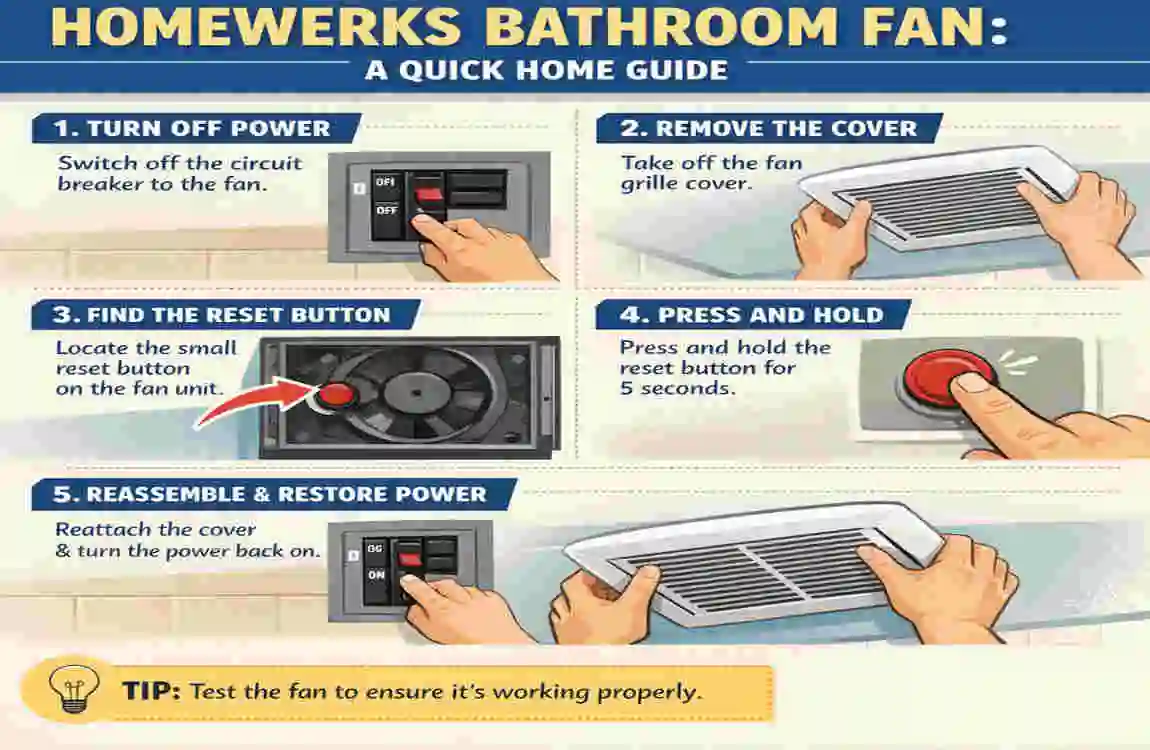
A bathroom fan is a small device, but it does an important job. It helps remove steam, moisture, and bad smells, keeping your bathroom fresh and protecting your walls and ceiling from dampness. When a Homewerks bathroom fan stops working, starts acting strangely, or becomes unresponsive, it can be frustrating.
The good news is that many fan problems are simple and can be fixed with a reset. In many cases, you do not need to replace the fan right away. A basic power reset, switch reset, or sensor reset may bring it back to normal.
Understanding Homewerks Bathroom Fans
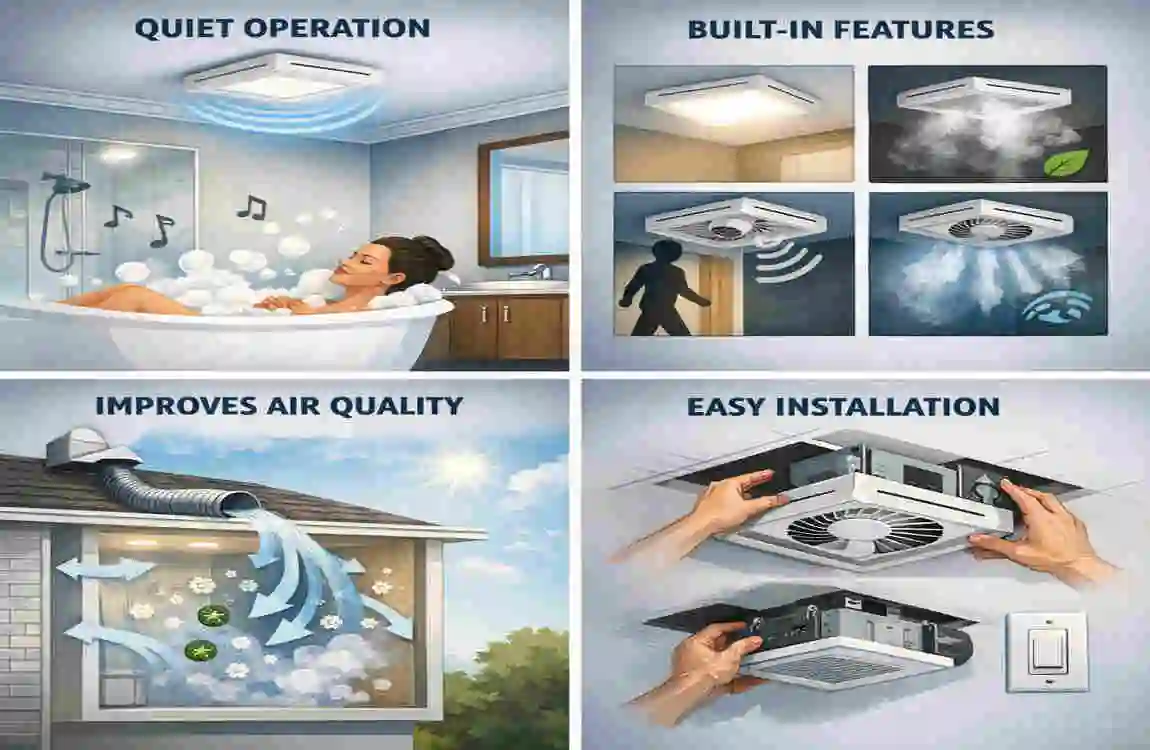
Homewerks bathroom fans are designed to improve airflow and control moisture. They are often used to reduce fog, prevent mold growth, and keep the bathroom more comfortable.
How the fan works
Inside the fan, there are a few main parts:
- Motor that spins the blades
- Switch that turns the fan on and off
- Humidity sensor in some models
- Timer in some models
- Wiring that connects everything to power
When one part gets stuck, overloaded, or confused by a power issue, the fan may stop working properly. That is when a reset can help.
Common reasons a reset is needed
A Homewerks fan may need a reset because of:
- Power surge
- Sensor malfunction
- Overheating protection
- Loose switch or wiring glitch
Sometimes the fan is not actually broken. It just needs a fresh restart to clear a small fault.
Safety Precautions Before Resetting
Before you touch the fan, safety should come first.
Important safety steps
- Turn off the power at the breaker panel
- Make sure the bathroom is dry
- Use insulated tools if you need them
- Do not touch internal wires unless you know what you are doing
- Keep your hands away from wet surfaces
Check if your model has a reset button.
Some Homewerks models may have a small reset button near the motor housing.
If you find one:
- Press it gently
- Hold it for a few seconds if needed
- Wait and see if the fan responds
Not all models have this button, so do not worry if yours does not.
Use the manual power cycle method.
If there is no reset button, this method usually works best.
- Keep the power off for 5 to 10 minutes
- This gives the internal system time to shut down fully
- Turn the breaker back on after the wait
- Test the fan again
This simple power cycle often clears temporary issues.
Reset through the wall switch.
If your fan is controlled only by a wall switch, try this:
- Turn the switch off for 30 to 60 seconds
- Turn it back on
- Check if the fan starts working normally
This method may help if the fan only had a small control error.
Reset the humidity sensor if your fan has one.
Some Homewerks fans use a humidity sensor. If the fan keeps running too long or turns on and off by itself, the sensor may need adjustment.
Try this:
- Check the humidity setting
- Lower or raise the setting as needed
- Let the fan run for a while and test again
If the sensor is too sensitive, the fan may seem broken when it is really just reacting to the air around it.
Test the fan
After resetting, check these things:
- Does the fan turn on?
- Is the airflow strong enough?
- Is there any strange noise?
- Does it stay on, or does it shut off too quickly?
If the fan works normally again, the reset was successful.
Troubleshooting Common Issues
If the reset does not fix the fan, do not panic. The problem may be something simple.
The fan is not turning on after a reset.
If the fan stays dead:
- Check the breaker again
- Make sure the wall switch is working
- Inspect for loose wiring if you are qualified to do so
Sometimes the issue is not the fan itself, but the power supply.
The fan is running but not removing moisture.
If the fan turns on but the bathroom still feels damp:
- Clean the blades
- Check for dust inside the cover
- Look for a blocked vent duct
A clogged fan cannot move air well, even if the motor is working.
Loud noise after reset
If the fan becomes noisy, the cause may be:
- Loose mounting screws
- Dust buildup
- Worn motor parts
A fan that rattles or hums too loudly may need cleaning or repair.
The fan keeps turning off.
If the fan shuts off again and again, it may be:
- Overheating
- Getting a false reading from the humidity sensor
- Dealing with a weak motor
This is a sign that the fan may need more than just a reset.
Maintenance Tips to Avoid Frequent Resets
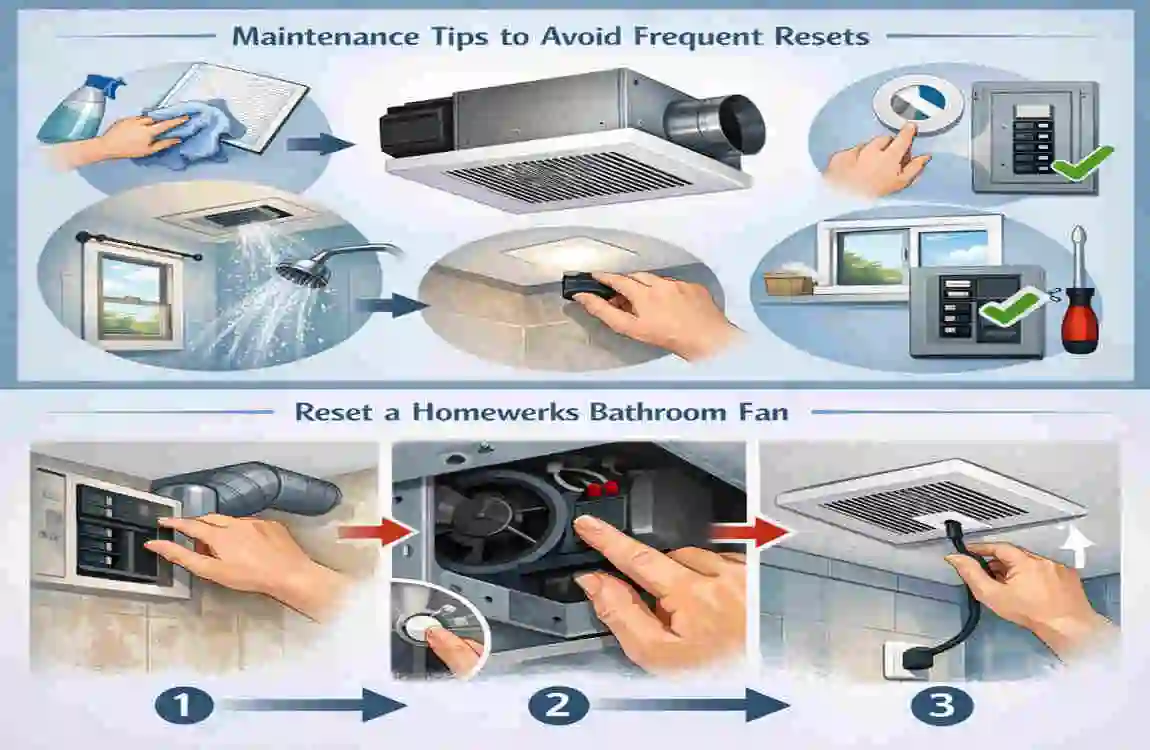
A little care can save you a lot of trouble later.
Simple maintenance habits
- Clean the fan every 2 to 3 months
- Check the vent for blockage
- Avoid too much moisture buildup in the bathroom
- Replace filters if your model uses them
- Inspect wiring once a year
Why maintenance matters
Dust, steam, and clogged vents can make the fan work harder than it should. Over time, this can cause overheating, noise, and power issues. Regular cleaning helps the fan last longer and work better.
When to Replace Instead of Reset
A reset is useful, but it is not always the final answer.
Signs you may need a replacement
Consider replacing the fan if:
- The motor is failing
- You smell burning or melting
- Resetting does not help at all
- The fan is very old and inefficient
If the fan keeps breaking down, replacing it may be cheaper and safer than repeated repairs.
FAQ
Why is my Homewerks bathroom fan not working?
It is usually due to a power issue, overheating, or a sensor problem.
How do I quickly reset my Homewerks bathroom fan?
Turn off the breaker for 5 to 10 minutes, then turn it back on.
Does every Homewerks fan have a reset button?
No, many models use a power cycle reset instead.
Why does my fan keep turning off automatically?
It may be overheating or reacting to the wrong humidity level.
Can I reset the fan without turning off the power?
It is not recommended for safety reasons.
| Action | |
|---|---|
| Turn the breaker OFF to cut power to the fan | |
| Wait 5–10 seconds | |
| Turn the breaker ON again | |
| Press and hold the power button on the wall switch until the fan reactivates (light/fan should work) | |
| If unpaired, cycle the switch ON & OFF 4 times until the Blue LED flashes, then press LIGHT/FAN button to re-pair |
